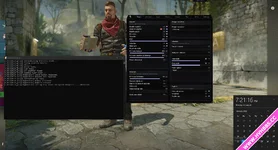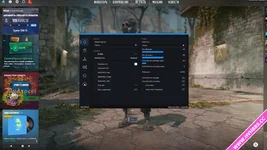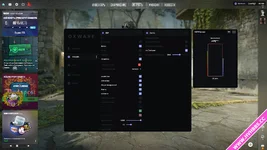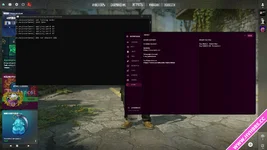
Operating Instructions:
1. Run the m0n0lith-server.exe program.
2. Run the Extreme Injector tool, set the "Auto Inject" and "Manual Map" options to source file, and add the m0n0lith.dll file to its list.
3. Start the game and wait approximately 1.5 minutes.
4. Operation complete. The menu will automatically pop up on the Ins key.
——————————————————
Manual Mapping Usage Guide
Encountered an error?
Old version of the basic tutorial: When the CS2 window appears, immediately try to inject the plugin.
If that doesn't work, please try restarting your computer.